← Back to search
Command line
Domain checks from your terminal
Install `findadomain` to check availability, print one status, and keep naming workflows in scripts or shells.
Install with Homebrew
brew install findadomain/tap/findadomainDemo
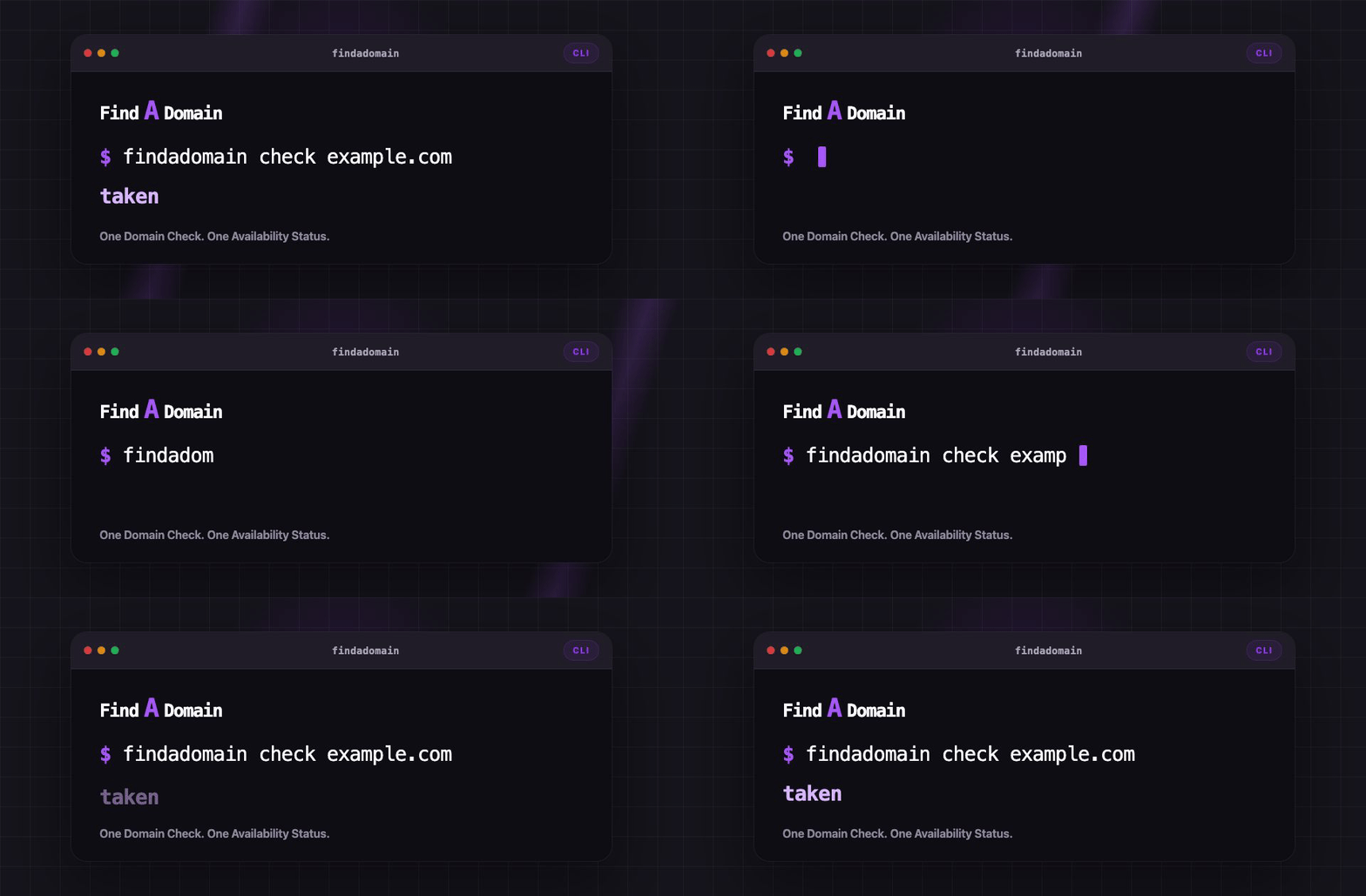
Check status without opening registrar pages.
Examples
Common command shapes.
Check a domain
Prints one Availability Status.
findadomain check example.comReturn JSON
Use structured data in scripts.
findadomain check --format json example.comAsk for WHOIS fallback
Request another signal when needed.
findadomain check --whois example.comBuilt for command-line naming work
Small commands, predictable output, easy automation.
Terminal-first checks
Run one command and skip registrar tabs.
Script-friendly JSON
Return name, TLD, status, and cache fields.
WHOIS fallback
Opt into WHOIS for another availability signal.
macOS and Linux
Release builds target amd64 and arm64.